Help & FAQs
Common questions, quick fixes, and where to get help.
❓ Quick Answers
-
What network? — Polygon (PoS). Trading balance is USDC.e. Gas is sponsored — no MATIC needed.
-
What can I deposit? — USDC/USDC.e on Polygon (fastest). Also Ethereum, Solana, BSC, Base, Bitcoin, HyperEVM via bridge → auto-converts to USDC.e. See Wallet Guide.
-
Fees? — 1% on trading volume, only through PolyBot. See Fees.
-
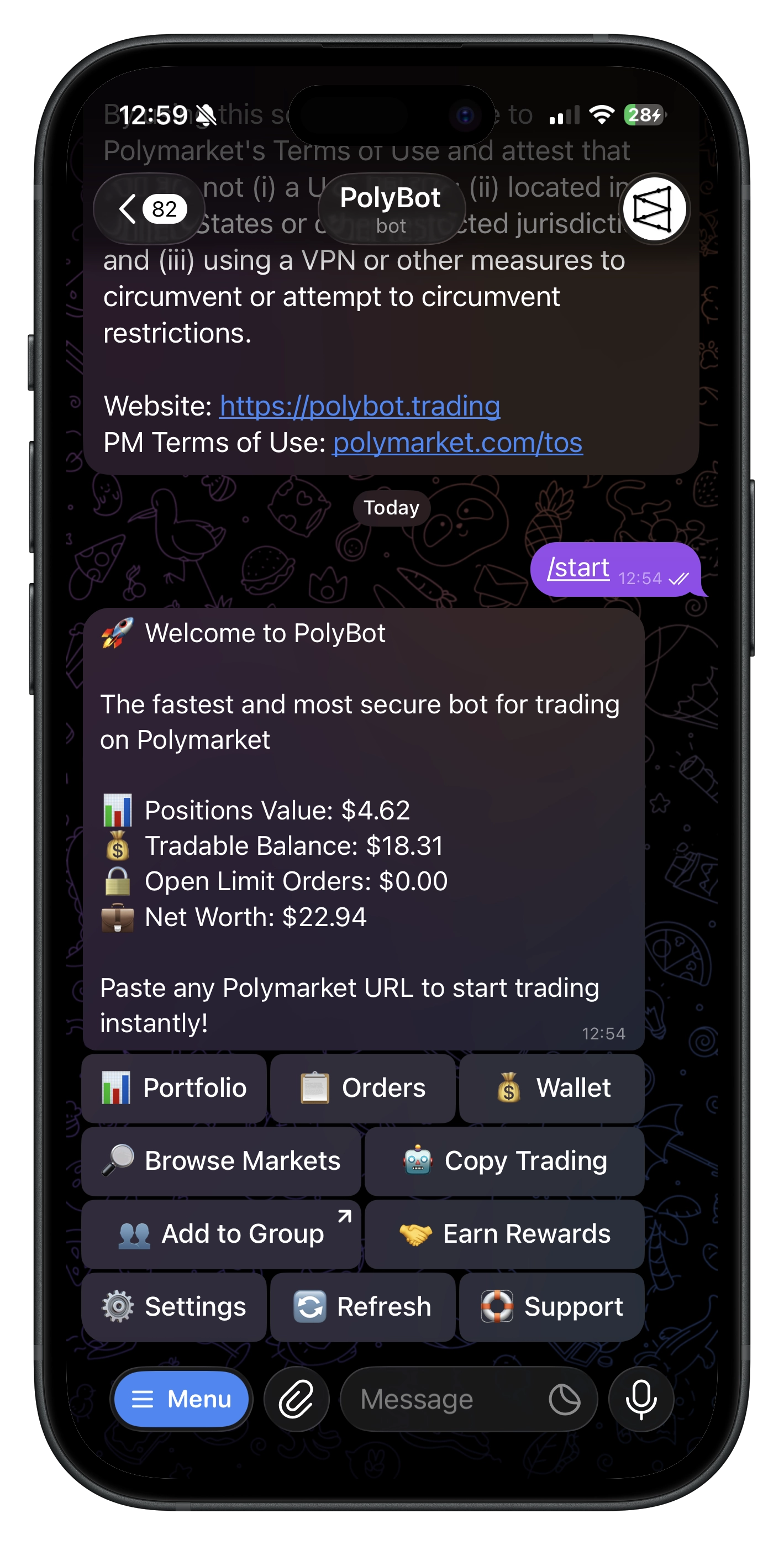
How to trade? — Paste a Polymarket URL → tap ✅ Buy YES or ❌ Buy NO. Or use 📈 Limit to set your own price. See Quickstart.
-
How to sell? —
/portfolio→ pick position → Sell (market) or 📉 Limit Sell (set price) or 🛡️ Stop Loss (downside protection). -
How to automate? — Trading Strategies for your own rules. Copy Trading to mirror traders. Presets / Stop Loss for exit automation.
-
Referral rewards? — 🤝 Referral Hub or
/refer. See Referrals Guide. -
Groups? — Add PolyBot to a group →
/polybot [query]or paste Polymarket links for interactive cards. See Group Guide.
🔧 Troubleshooting
💵 Deposits
- Select correct network and send to the displayed address
- Polygon is fastest (1–3 min). Cross-chain via bridge takes longer
- Tap 🔄 Refresh after depositing
📈 Orders
- "Try again in a few seconds" — first-time approvals or Safe deployment finishing; retry shortly
- Stale data — tap 🔄 Refresh
- Canceled order still visible — 🔄 Refresh the 📋 Orders screen
💸 Withdrawals
- If sponsor MATIC is low, try again later — gas is normally sponsored
- Verify destination address and available balance
🤝 Referrals
- New users must
/startvia your link before creating a wallet - Rewards accrue on on-chain fills; ~5 min maturity window
- Minimum claim threshold: $5.00 USDC.e
- Add PolyBot to groups from 🤝 Referral Hub for group attribution
🔐 Security & 2FA
- Exported keys auto-delete after ~60s — store offline, never share
- 2FA code not working? Ensure phone time is synced. Codes expire every 30s
- 💸 Withdrawals and 🔑 key exports require a 6-digit authenticator code
- Lost authenticator? Use backup codes to disable 2FA. No codes left → contact @polybothub
🆘 How to Get Help
- In-bot:
/helpor 🏠 Main Menu → ❓ Help & FAQs - Community: @polybothub (Telegram)
- Share: what you tried, error text, last action, and timeframe
Commands
Direct Messages
| Command | What it does |
|---|---|
/start | Begin or open deep links |
/home | 🏠 Main Menu |
/help | ❓ Help & FAQs |
/wallet | 💰 Wallet |
/portfolio | 📊 Portfolio |
/orders | 📈 Limit orders |
/stoploss | 🛡️ Stop losses |
/search | 🔎 Market search |
/settings | ⚙️ Settings |
/refer | 🤝 Referral hub |
/copy | 🤖 Copy trading |
/recent | 📜 Recent activity |
/preset | 🎯 Exit presets |
/strategy | 📈 Trading strategies |
Group Chats
| Command | What it does |
|---|---|
/polybot [query] | 🔎 Search markets |
📚 Related Guides
⚠️ Safety & Compliance
Not available to U.S. persons. Trading involves risk — only trade what you can afford to lose.